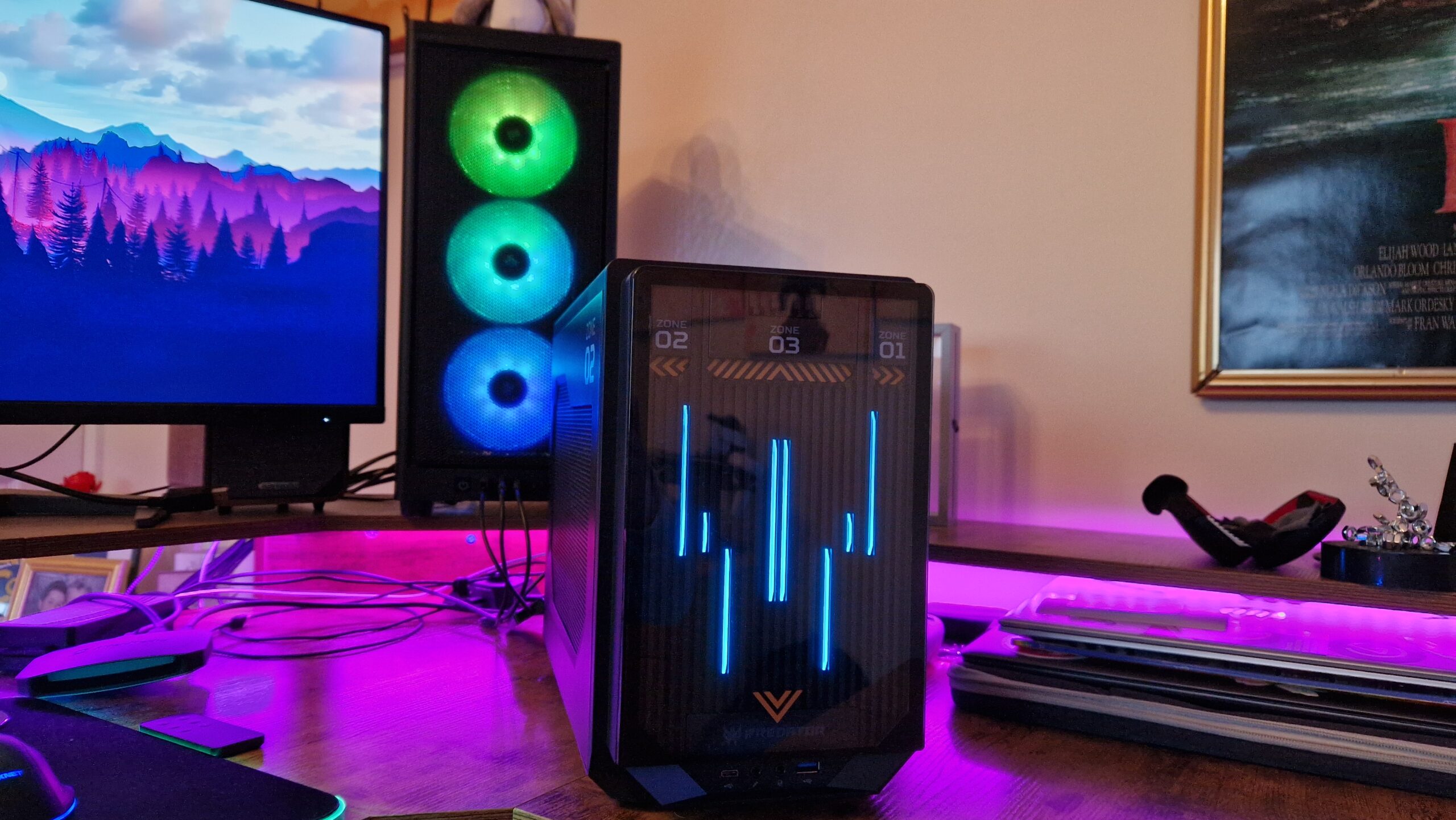
Building a High-Performance PC in 2025: What You Need to Know
Building your own computer has always been the best way to get maximum power for your money. In 2025, it’s also easier and more exciting than ever. Whether you’re a gamer, content creator, or someone who just loves high-speed performance, building a custom PC lets you tailor every part to your needs.
This guide walks you through the essentials of building a high-performance PC in 2025, from choosing the right components to optimizing performance for gaming, design, or professional workloads.
1. Why Build a PC Instead of Buying One?
Pre-built systems are convenient, but they often cost more and limit your ability to upgrade. Building your own machine gives you full control over performance, aesthetics, and budget.
You can choose the latest processors, pair them with powerful graphics cards, and use premium components that last longer. Plus, it’s a valuable skill—knowing how your system works makes troubleshooting and upgrading much easier later on.
2. Start with a Clear Goal
Before buying parts, define what you want your computer to do. The best setup for gaming is different from one built for 3D rendering or video editing.
Here’s a quick overview:
- Gaming PC: Prioritize a strong GPU (graphics card), high refresh-rate monitor, and efficient cooling.
- Content Creation PC: Focus on CPU cores, memory speed, and storage space for large files.
- Productivity or Office PC: Aim for a balanced system with good multitasking capability and quiet operation.
Once you know your purpose, setting a budget and selecting compatible components becomes much easier.
3. Choosing the Right Processor (CPU)
The CPU is the brain of your PC. In 2025, both Intel and AMD offer excellent high-performance processors.
- Intel’s 14th Gen “Meteor Lake” chips focus on energy efficiency and AI acceleration, great for creative work and multitasking.
- AMD’s Ryzen 8000 series continues to dominate in multi-core performance and integrated graphics power.
If you’re gaming, aim for at least a 6-core or 8-core CPU. For heavy workloads like video editing or 3D rendering, a 12-core or higher processor offers the best results.
Don’t forget about cooling—modern CPUs can run hot under load. A good air or liquid cooler helps maintain performance and extends your processor’s lifespan.
4. Picking a Graphics Card (GPU)
The GPU is where your computer truly flexes its power, especially for gaming or creative tasks.
In 2025, NVIDIA’s RTX 5000 series and AMD’s Radeon RX 8000 series are the top performers. NVIDIA cards are known for advanced ray tracing and AI-driven features like DLSS 3.5, which boosts frame rates without sacrificing quality. AMD offers excellent performance per dollar and better efficiency.
If you’re gaming in 4K, look for a card like the RTX 5090 or RX 8900 XT. For 1440p or 1080p, more affordable models like the RTX 5070 or RX 8700 will deliver smooth performance.
For creative professionals using Blender, Premiere Pro, or DaVinci Resolve, choose a GPU with large VRAM (16GB or more). It speeds up rendering, video playback, and real-time editing.
5. Memory (RAM) Matters More Than Ever
RAM affects how well your computer multitasks and how quickly it loads applications.
In 2025, DDR5 RAM is the standard. It offers faster speeds (up to 8000 MHz) and better energy efficiency than DDR4.
- 16GB of RAM is the baseline for gaming.
- 32GB is ideal for video editing, programming, or 3D modeling.
- 64GB or more may be necessary for professionals working with massive data sets or simulations.
Choose a dual-channel setup (two identical sticks) to maximize performance, and make sure your motherboard supports your RAM’s rated speed.
6. Storage: SSDs Rule the Game
Mechanical hard drives are now mostly for archival storage. Modern systems rely on solid-state drives (SSDs) for speed and reliability.
- NVMe Gen 5 SSDs are the latest standard in 2025, offering blistering speeds up to 14,000 MB/s. These are perfect for gamers and professionals who move large files daily.
- A 1TB SSD is ideal for your operating system and main programs, while an additional 2TB or more drive is great for storage and backups.
Brands like Samsung, Crucial, and Western Digital continue to lead in both performance and durability.
7. The Motherboard: The System’s Backbone
The motherboard determines compatibility between all your components.
For 2025, look for boards with support for:
- PCIe 5.0 (for GPUs and SSDs)
- DDR5 memory slots
- USB 4.0 or Thunderbolt 5 ports for fast data transfer
- Wi-Fi 7 and Bluetooth 5.4 for next-gen connectivity
Popular chipsets include Intel’s Z890 and AMD’s X870, both designed to handle the latest CPUs and GPUs.
Also, consider the size:
- ATX for full builds with multiple GPUs or expansion cards.
- Micro-ATX or Mini-ITX for compact, space-saving designs.
8. Power Supply and Cooling
A powerful system needs stable power. Choose a reliable PSU (Power Supply Unit) with at least 80+ Gold certification for efficiency.
- 650W–850W works for most gaming systems.
- 1000W or more is ideal if you have a top-tier GPU and CPU.
Cooling is equally important. Modern gaming and workstation builds benefit from liquid cooling systems that keep temperatures low and noise minimal. Ensure your PC case has good airflow and supports multiple fans.
9. The Case and Aesthetics
Cases are about more than just looks—they affect airflow, cable management, and component space.
Popular options in 2025 feature tempered glass panels, RGB lighting, and tool-less assembly. Brands like Lian Li, NZXT, and Fractal Design balance beauty with practicality.
When choosing a case, make sure it fits your motherboard size and GPU length, and leaves room for future upgrades.
10. Software and Optimization
Once your PC is built, installing the right software makes a big difference.
- Windows 12 and Linux-based systems dominate in 2025, offering improved AI-assisted optimization and better performance monitoring.
- Update all drivers, especially for your GPU and chipset.
- Use software like MSI Afterburner to track temperatures and performance.
Regular system maintenance—cleaning, driver updates, and BIOS tuning—keeps your PC performing like new for years.
11. The Cost of Building a High-Performance PC in 2025
Prices fluctuate, but here’s a rough breakdown for a high-end build in 2025:
| Component | Estimated Cost (USD) |
|---|---|
| CPU | $350–$700 |
| GPU | $800–$1600 |
| Motherboard | $200–$400 |
| RAM | $150–$300 |
| SSD Storage | $150–$400 |
| Power Supply | $100–$200 |
| Case and Cooling | $150–$300 |
| Total | $2000–$4000 |
While that might seem high, a well-built system can last 5–7 years with minor upgrades.
Conclusion
Building a high-performance PC in 2025 is more rewarding than ever. You can design a system that perfectly fits your needs—whether you’re chasing high frame rates in gaming, editing 8K video, or crunching data for AI research.
The key is balance: pairing the right components so they work in harmony. Invest in quality parts, manage your cooling, and future-proof where possible with new technologies like DDR5, PCIe 5.0, and Wi-Fi 7.
Ultimately, building your own PC isn’t just about performance—it’s about ownership. Every screw, cable, and component reflects your choices. When you press that power button for the first time and see your system come alive, it’s more than a machine—it’s a creation built for speed, power, and pride.